Crossplay Co-Op Setup Guide: Pairs, Accounts & Fixes (2026)
Crossplay works per game and per exact platform pair — Windows PC ↔ Xbox Series X|S is a different question from Switch ↔ PS5. This guide is the setup and troubleshooting checklist for a mixed-platform group: find your pair, link the right accounts, match versions and editions, then fix the usual invite problems. The game lists live on the pair pages; the picks at the end name only pairs our catalog has a sourced record for.
1. Start with your exact platform pair
List the platforms your group actually plays on and open the matching pair page: PC ↔ Xbox, PC ↔ PlayStation, PlayStation ↔ Xbox, PC ↔ Nintendo Switch, PlayStation ↔ Nintendo Switch, Xbox ↔ Nintendo Switch. Each page lists only games with a sourced record for that exact pair, and every card names the versions (for example Switch 2 vs the original Switch).
2. Link the accounts before game night
Most crossplay games connect players through a publisher account (EA, Microsoft, Epic or the developer's own) rather than the console friend list. Have everyone create and link that account before the session, sign in on the same account on every device, and add each other there. On consoles, the platform's online subscription is usually still required.
3. Match store version and console generation
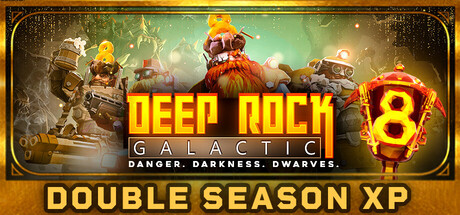
Crossplay can depend on which store or console generation you bought. Deep Rock Galactic is the classic example: its Windows Microsoft Store / PC Game Pass version plays with Xbox, the Steam version does not, and PlayStation does not crossplay with PC or Xbox. It Takes Two's crossplay covers Switch 2 but not the original Switch. Check the version line on the pair card before anyone buys.
Pick your exact platform pair and see every verified co-op game for it.
4. Agree on an edition (Minecraft: Bedrock vs Java)
Minecraft's crossplay is Bedrock Edition: Windows, Xbox, PlayStation and Switch players can share a world. Java Edition — the version on macOS and Linux — only plays with other Java players. Decide on Bedrock before a mixed group starts building.
5. Turn on the crossplay setting and match patches
When friends can't see each other, check three things first: the in-game crossplay or cross-network setting is on for everyone (some consoles ship with it off), every copy is on the same patch, and nobody is in a different region or matchmaking queue. Console builds sometimes update later than PC, which can pause crossplay for a day.
6. Plan voice chat outside the platform party
Platform party chat almost never crosses ecosystems. Use the game's own voice chat where it exists, or a Discord or phone call, and test it before the first mission.
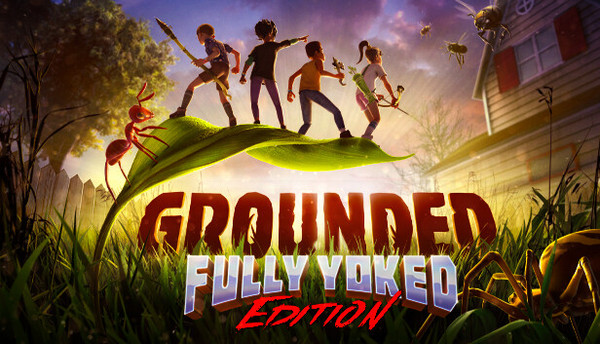
Grounded
Backyard survival with sourced crossplay across Windows PC, Xbox One and Series X|S, PS4/PS5 and the original Nintendo Switch — one of the broadest mixed-group picks in the catalog.
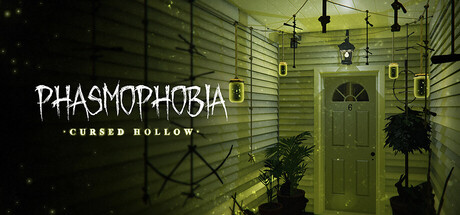
Phasmophobia
Four-player ghost hunting where communication is the whole game. Windows PC, PS5 and Xbox Series X|S players can share a lobby; no Switch version is recorded.
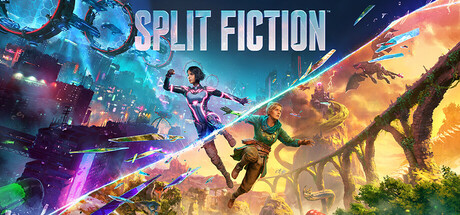
Split Fiction
Two-player story co-op from the It Takes Two team, with sourced crossplay between Windows PC, PS5, Xbox Series X|S and Nintendo Switch 2.
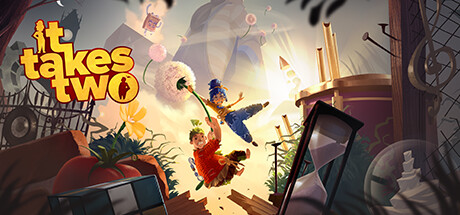
It Takes Two
Since its October 15, 2026 update, It Takes Two supports crossplay between PC, Xbox, PlayStation and Nintendo Switch 2. The original Switch version is not part of that crossplay.
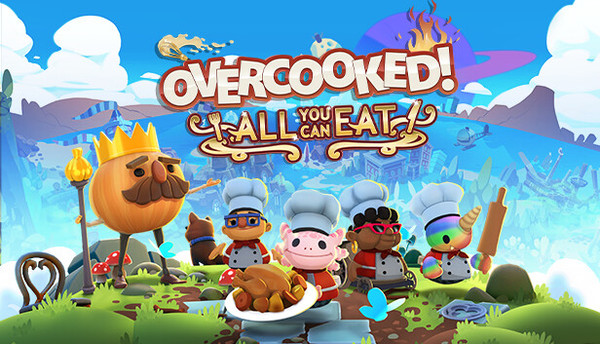
Overcooked! All You Can Eat
Kitchen chaos for mixed-skill groups, with sourced crossplay between Windows PC, PS4/PS5, Xbox Series X|S and the original Nintendo Switch.
Co-Op Now records crossplay per exact platform pair with a source for each one. Pairs we have no record for stay unknown — never assumed.
Games Mentioned in This Guide

Related Features
Browse Games
More Guides
Ready to find your next co-op game?
Sync Steam libraries, vote with your group, check PC compatibility, and track deals — all free.